
Be Connected is a free Australian Government resource helping senior Australians build digital skills and stay safe online. Here's how to share it.

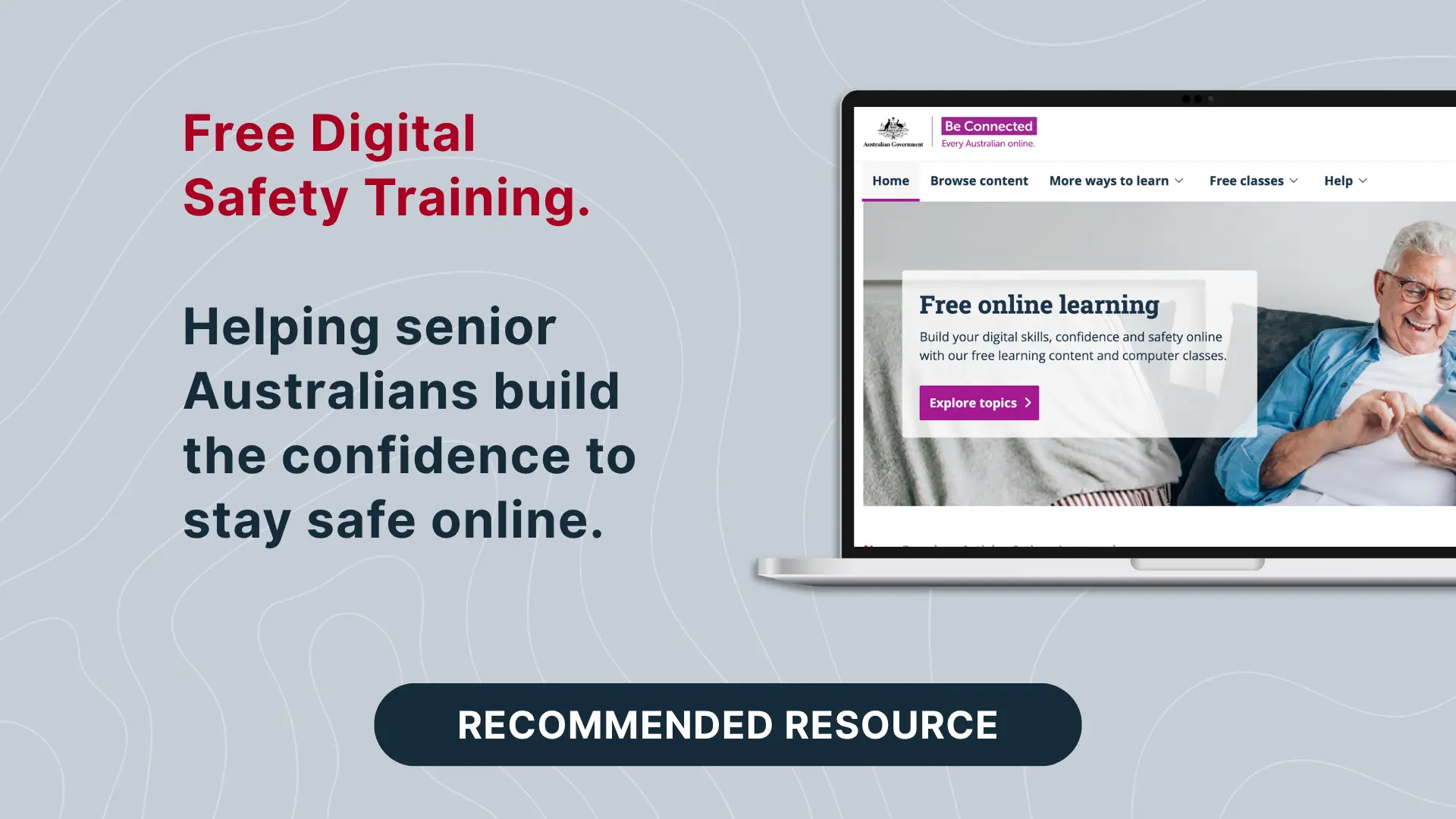
Be Connected is a free Australian Government learning platform that builds the digital skills, confidence and online safety of senior Australians. If your organisation serves senior clients, employs experienced staff, or relies on volunteers, it is one of the most useful resources you can put in front of them.
Cyber security controls protect systems. People still make the everyday decisions: whether to approve a sign-in prompt, open an attachment, or answer an unexpected call. Those decisions are easier to get right when people feel confident with the technology in their hands. Be Connected is built to give them that confidence, at their own pace and at no cost.
Be Connected is an Australian Government initiative funded by the Department of Social Services. The website and online learning content are delivered by the eSafety Commissioner. Free face-to-face support is coordinated by Good Things Australia, a not-for-profit focused on digital inclusion.
The platform is designed for senior Australians who are beginners or who want to refresh their skills. There are no subscription or sign-up fees, and no prior experience is needed. Content is written for real-world situations, with adjustable text size and plain-language explanations throughout.
Because it is government-backed and free of product promotion, it is a resource you can recommend to clients, staff and families with confidence.
Be Connected offers hundreds of free short courses, organised by device (mobile phone, tablet, desktop) and by subject (internet, safety, Wi-Fi and data, online services, staying in touch and more). Alongside the courses, learners can use:
Several Be Connected courses map directly to the controls that protect Australian organisations, including those in the Essential Eight. These are good starting points:
The full Advanced online security topic also covers web browsers, antivirus software and VPNs.
Senior Australians are active, engaged digital users, and they are also a consistent focus for scammers. According to the National Anti-Scam Centre's Targeting Scams report 2025, people aged 65 and over reported $88.8 million in Scamwatch losses in 2025. That was 26.5% of all reported losses, from an age group making up around 17% of the population. The same report shows losses for this group fell 10.9% on 2024, and that they were the age group most likely to report a scam.
That trend matters for organisations in regulated industries:
Technical controls such as MFA, application control and patching reduce risk. They work best alongside people who recognise a suspicious request and know what to do next. Pointing people to a trusted, free learning resource is a low-effort way to support that.
A few practical ways to put this resource in front of the people who will benefit:
Be Connected helps individuals build the skills and confidence to use technology safely. DefenderSuite helps organisations put the controls, policies and evidence in place to protect their systems and meet their compliance obligations. The two work well side by side.
If you would like to understand where your organisation stands against the Essential Eight, DefenderSuite can help. Book an Essential Eight assessment to get a clear picture of your current maturity and the practical next steps.